Spotlight is fine for opening apps and doing quick math. But if you want clipboard history, window management, extensions, or just faster results, you need a proper launcher. These 5 Spotlight alternatives do everything Spotlight does and a lot more.
For most Mac users, Raycast is the best Spotlight alternative in 2026. The free tier includes clipboard history, window management, snippets, and thousands of extensions. It covers more ground than Spotlight without costing anything.
If you prefer a one-time purchase over subscriptions, Alfred is the veteran pick with 14+ years of reliability. If you want something newer with no telemetry, Monarch Launcher is gaining fans fast. And if you want free and open source, Sol is surprisingly capable.
Quick pick list:
Every launcher in this list uses a single search bar you activate with a keyboard shortcut. Type to search, arrow keys to navigate, Enter to act. If you know Spotlight, you already know the basics.
We tested each launcher on:
| Launcher | Pricing | Extensions | Clipboard | Window Mgmt | Learning curve |
|---|---|---|---|---|---|
| Raycast | Free / $8/mo Pro | 1,500+ | Yes (free) | Yes (free) | Low-Medium |
| Alfred | Free / ~$46 one-time | 900+ workflows | Yes (paid) | No | Medium |
| Monarch | $30 one-time | Limited | Yes | No | Low |
| LaunchBar | ~$29 one-time | Actions/scripts | Yes | No | Medium-High |
| Sol | Free (open source) | Built-in only | Yes | Yes | Low |
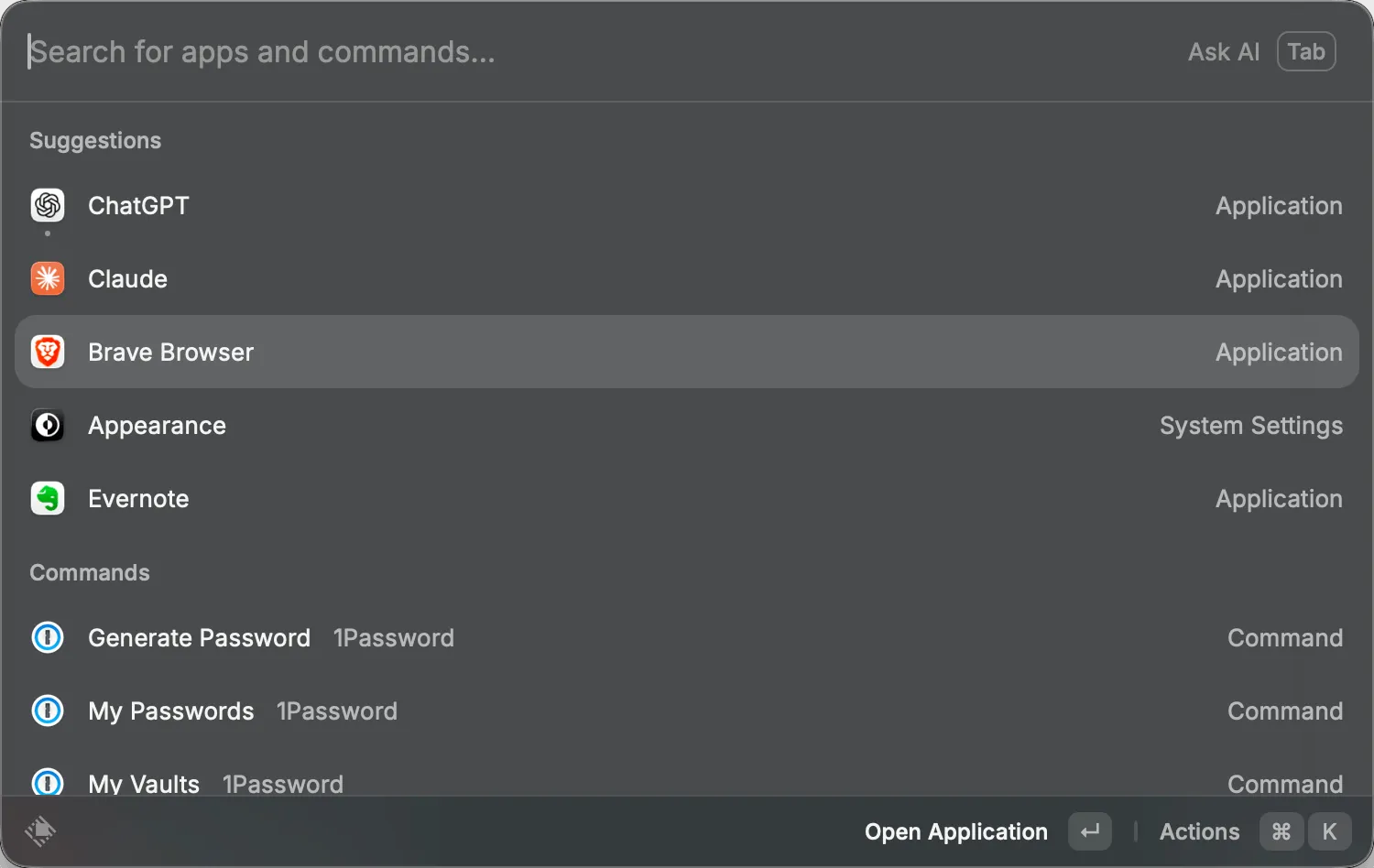
Raycast is the most popular Spotlight alternative right now, and for good reason. The free tier alone gives you more than most paid launchers: clipboard history, window management, snippets, calculator, and access to over 1,500 community extensions.
You activate it with a hotkey, type what you need, and act on results. It feels like Spotlight but with superpowers. Need to manage GitHub issues? There is an extension. Want to control Spotify? Extension. Toggle system settings? Built in.
Why Raycast leads the pack:
Tradeoffs to know:
Raycast works for everyone from casual users to developer teams. If you only try one Spotlight alternative, start here.
Pricing: Free forever for core features. Pro at $8/month (annual) for AI, cloud sync, unlimited clipboard history, and custom themes.
Website: raycast.com
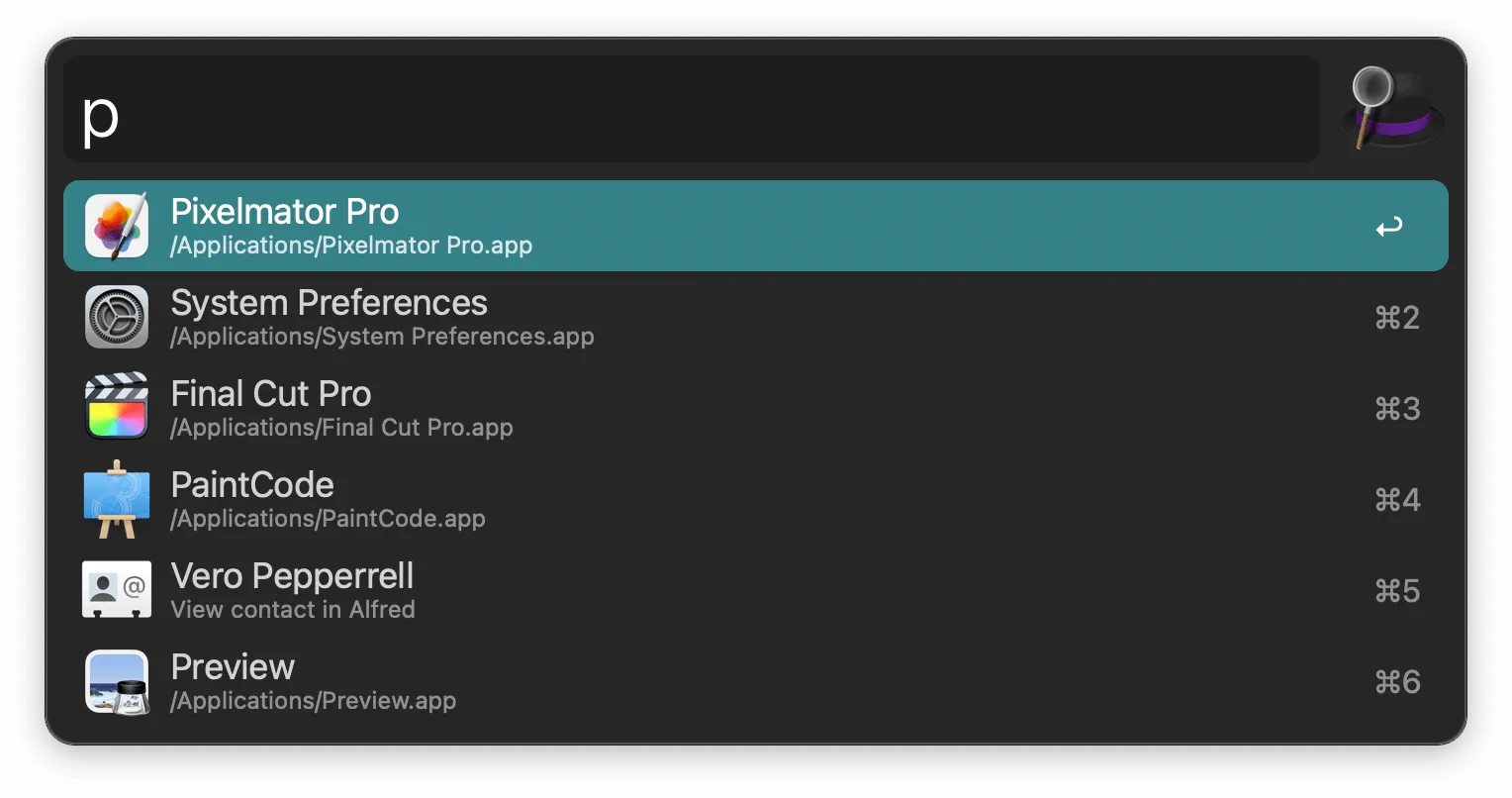
Alfred has been the go-to Spotlight replacement for over 14 years. It is fast, stable, and uses a one-time purchase model that many users prefer over subscriptions. With 7 million downloads, it has one of the largest user bases of any Mac productivity tool.
The free version handles app launching, file search, web search, calculator, and system commands. The paid Powerpack unlocks workflows, clipboard history, snippets, and deep automation. Alfred’s workflow system is its biggest strength, with 900+ community workflows that let you automate almost anything.
Why Alfred remains a top pick:
Tradeoffs to know:
If you want a launcher you buy once and use for years without worrying about subscription renewals, Alfred is hard to beat. The Mega Supporter license includes lifetime free updates.
Pricing: Free basic version. Powerpack at ~$46 (single license) or ~$79 (Mega Supporter with lifetime updates).
Website: alfredapp.com
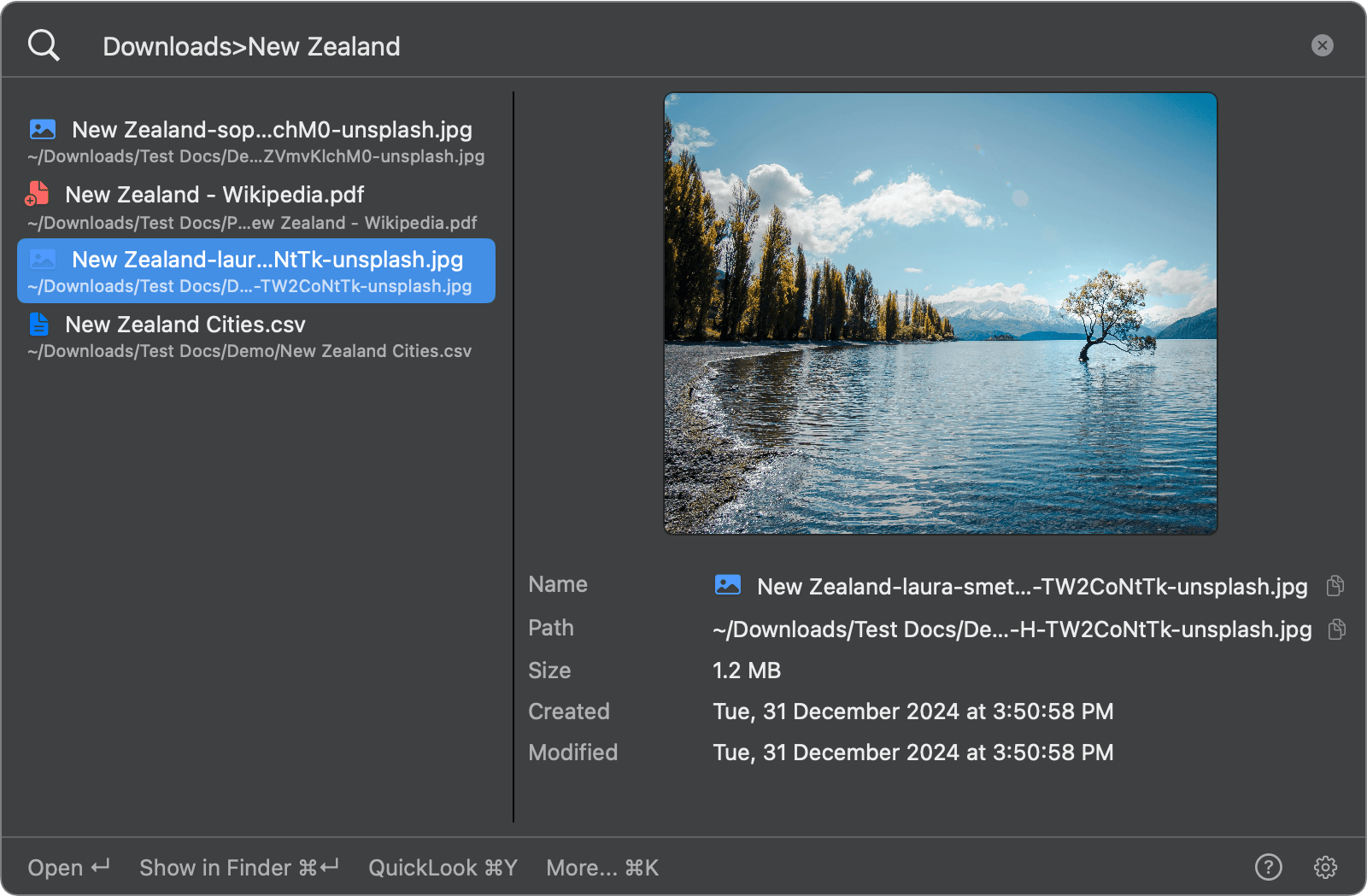
If your main frustration with Spotlight is finding files, you might not need a full launcher replacement. FileMinutes lets you search inside specific folders, filter by file type, and navigate results with keyboard shortcuts, all from a single search bar.
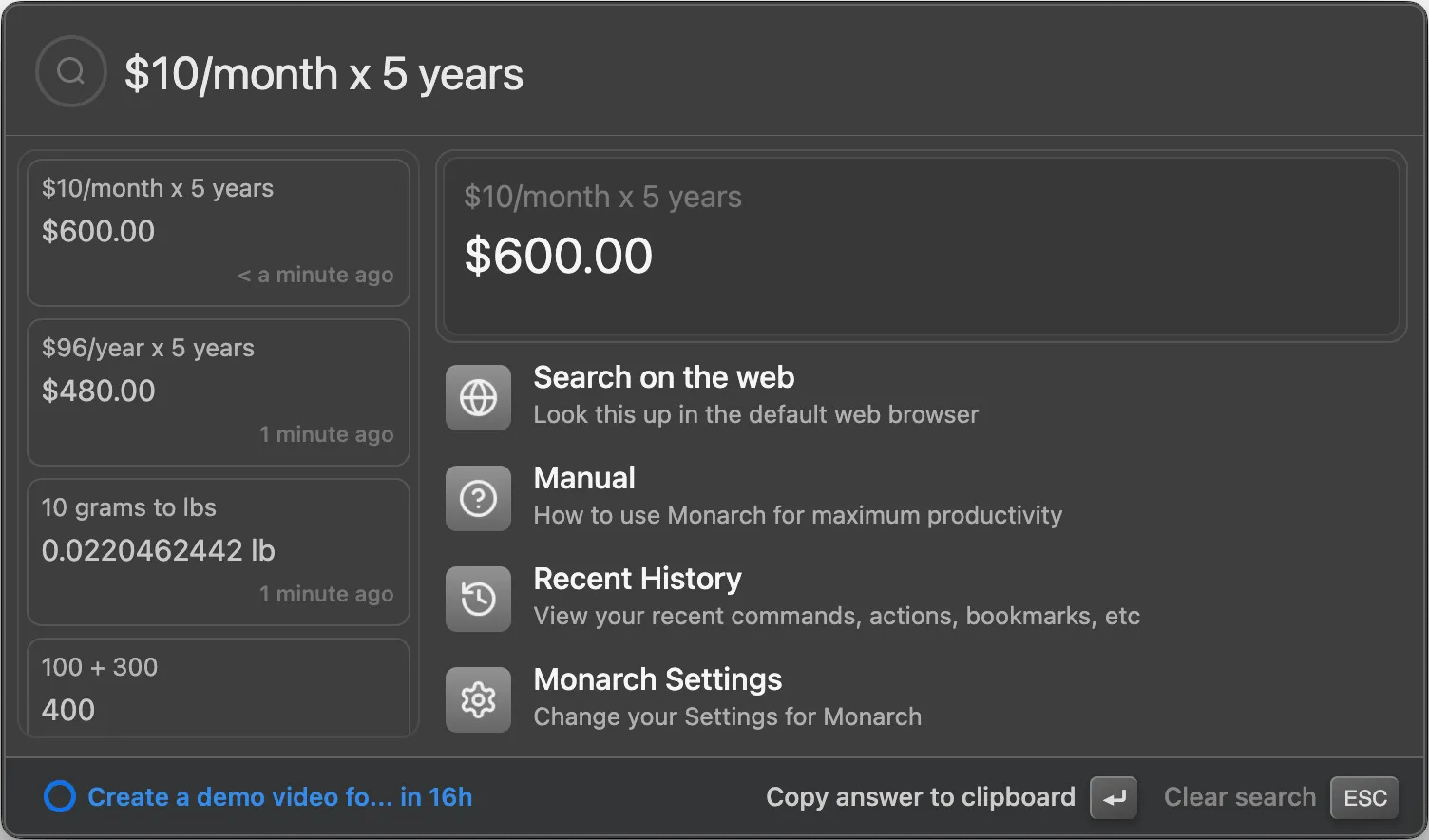
Monarch Launcher is the most interesting newcomer in the Mac launcher space. It positions itself as a privacy-first Spotlight replacement with no subscriptions, no telemetry, and all data stored locally. The developer claims 0.3-second startup time, faster than both Raycast and Alfred.
What sets Monarch apart is its built-in calculator. It handles math, date calculations, timezone comparisons, and unit/currency conversions, with support for saved variables. The clipboard manager is also strong, with per-app filtering and unlimited history.
Why Monarch is worth trying:
Tradeoffs to know:
Monarch is the right pick if you value privacy, hate subscriptions, and want a polished launcher without the complexity of extension ecosystems. The 30-day free trial makes it easy to test.
Pricing: $30 one-time purchase. 30-day free trial, no credit card required. Student discounts available.
Website: monarchlauncher.com
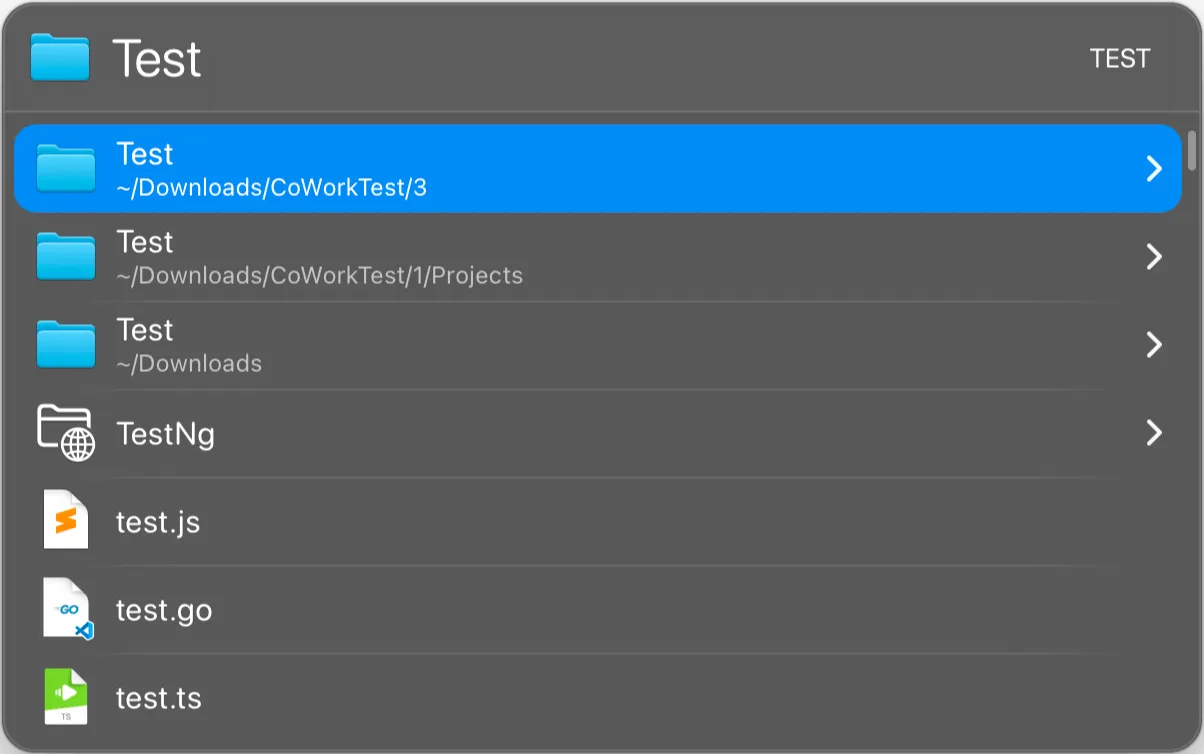
LaunchBar has been around for over 20 years. It is the quiet expert’s choice. Not flashy, not trendy, but deeply efficient for keyboard-driven Mac users. Made by Objective Development, the same Austrian company behind Little Snitch.
The core idea is abbreviation-based search. Type a few letters, and LaunchBar learns what you mean over time. After a week of use, you can launch apps, open files, and trigger actions with just 2-3 keystrokes. The adaptive learning is its biggest strength.
Why LaunchBar still matters:
Tradeoffs to know:
LaunchBar rewards commitment. If you spend a week learning its abbreviation system and action chaining, it becomes one of the fastest ways to operate a Mac. The free trial is unusual because you can use it forever. It just asks you to take short breaks occasionally.
Pricing: ~$29 one-time purchase. Unlimited free trial with occasional pause reminders.
Website: obdev.at/products/launchbar
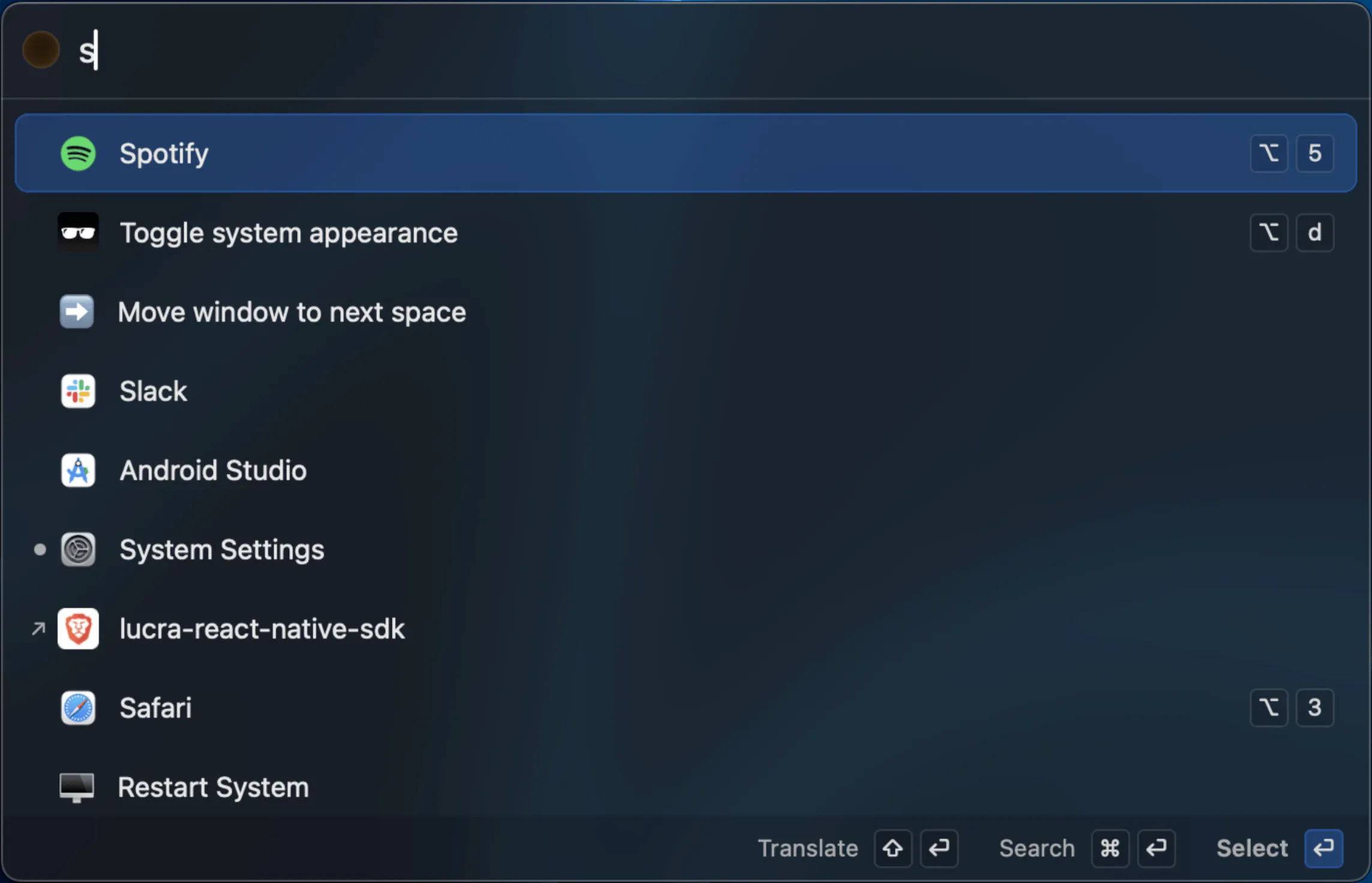
Sol is a free, open-source Spotlight alternative that covers more ground than you would expect. It launched a few years ago and has grown steadily with 2,700+ GitHub stars, 142 releases, and a German Design Award in 2025.
It handles app launching, file search, clipboard history, window management, calculator, emoji picker, calendar integration, and even a process manager. All free. No registration, no analytics, no data mining.
Why Sol deserves a look:
brew install --cask solTradeoffs to know:
Sol is the right choice if you want a capable launcher without paying anything or giving up any data. It covers about 90% of what most people need from a Spotlight replacement.
Pricing: Free and open source.
Website: sol.ospfranco.com
| Feature | Raycast | Alfred | Monarch | LaunchBar | Sol |
|---|---|---|---|---|---|
| Price | Free / $8/mo | Free / ~$46 | $30 | ~$29 | Free |
| Subscription | Optional | No | No | No | No |
| App Launching | Yes | Yes | Yes | Yes | Yes |
| File Search | Yes | Yes | Yes | Yes | Yes |
| Clipboard History | Free | Paid | Yes | Yes | Yes |
| Window Management | Free | No | No | No | Yes |
| Calculator | Yes | Yes | Advanced | Yes | Yes |
| Snippets | Free | Paid | No | Yes | No |
| Extensions/Workflows | 1,500+ | 900+ | Limited | Actions | Built-in |
| AI Features | Yes (Pro) | No | No | No | No |
| Open Source | No | No | No | No | Yes |
| Hotkey | Customizable | Customizable | Option+Space | Customizable | Customizable |
Raycast. The free tier is unmatched. You get clipboard history, window management, snippets, and 1,500+ extensions without paying a cent.
Alfred or LaunchBar. Both are one-time purchases with long track records. Alfred has the bigger ecosystem. LaunchBar has deeper keyboard efficiency.
Monarch Launcher or Sol. Monarch is a paid app with local-only data. Sol is free and open source. Neither collects any user data.
Sol. It is the best free option that still feels like a real product, not a hobby project.
Raycast Pro. It is the only launcher on this list with AI features built in.
For most users, Raycast offers the best combination of free features, extensions, and daily usability. For users who prefer one-time purchases, Alfred is the most proven option.
Yes. Raycast has a generous free tier with clipboard history, window management, and extensions. Sol is completely free and open source with no limitations.
Yes. All five launchers in this list can handle app launching, file search, calculations, and more. You can remap the Spotlight shortcut (Cmd+Space) to any of these tools in System Settings.
No. All five are lightweight. Raycast and Alfred use minimal memory. Sol and Monarch are designed for fast startup. LaunchBar has been optimized over 20 years of development.
Raycast leads with 1,500+ community extensions. Alfred is second with 900+ workflows. The other three have more limited extension options but cover the essentials built in.